

A programming laptop rewards a different balance than a gaming one. What matters is a capable multi-core CPU for compiling, enough RAM (8GB minimum, 16GB ideal) to run your tools and containers, a fast SSD, a comfortable keyboard for long sessions, and good battery life if you code on the move. A discrete GPU only matters if you do machine learning or GPU-accelerated work.
Operating system is a real choice too: macOS and Linux offer a Unix environment many developers prefer, while Windows (with WSL) is the most versatile. Below we rank seven laptops for programming by CPU, memory, keyboard, and value. For general use, see our budget laptop guide and the laptops hub.
Top 3 Best Programming Laptops at a Glance
Best Budget Laptops for Programming in 2027
| Laptop | Best For | Key Spec | Rating | Price |
|---|---|---|---|---|
| Apple MacBook Air (M5) | Best Overall for Programming | Apple M5 chip | 4.7★ (1265) | Check Price |
| Lenovo V15 (Ryzen 5) | Best Value | AMD Ryzen 5 5500U (6-core) | 4.4★ (366) | Check Price |
| Apple MacBook Neo 13 | Best Compact Mac | Apple A18 Pro chip | 4.6★ (1536) | Check Price |
| Lenovo V15 G4 Business | Best for Business Dev | AMD Ryzen, 15.6″ FHD | 4★ (211) | Check Price |
| Lenovo 15.6″ FHD Essential | Best Budget | Intel processor, 8GB DDR5 | 4.4★ (1313) | Check Price |
| HP ZBook Firefly 15 G8 (i7) | Best Workstation Value | Intel Core i7 | 5★ (5) | Check Price |
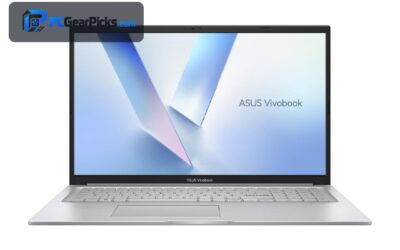
| ASUS Vivobook 17 | Best Big Screen for Code | 17.3″ FHD display | 4.1★ (5) | Check Price |
1. Apple MacBook Air (M5) – Best Overall for Programming

- ✓ Fast M5 chip compiles quickly
- ✓ All-day battery, silent and cool
- ✓ Unix-based macOS is developer-friendly
- ✗ Base RAM can be limiting for heavy workloads
- ✗ Pricier than budget Windows laptops
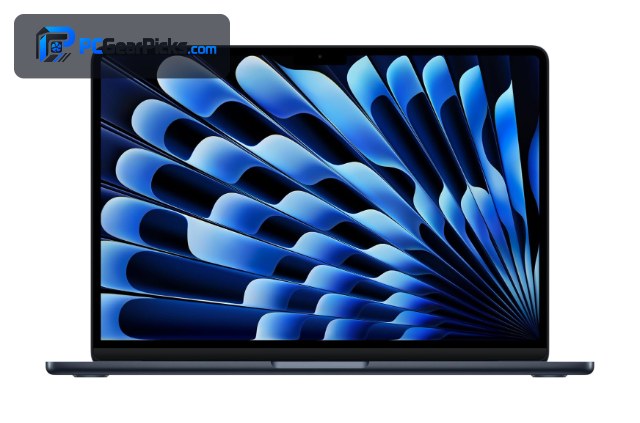
The MacBook Air M5 is the best all-round programming laptop at this level. Apple’s M5 chip handles compiling and running local dev environments quickly while staying silent and cool, and the all-day battery lets you code away from a charger. Its Unix foundation also makes macOS a natural fit for web and backend development.
At around $1,149 it costs more than budget Windows laptops, and the base memory can be tight for very heavy workloads, so configure RAM to your needs. But for a fast, portable, developer-friendly machine, it’s the one to beat.
Best for: Developers who want speed, battery life, and a Unix environment
May not fit: Those on a tight budget or who need Windows-only tools
2. Lenovo V15 (Ryzen 5) – Best Value

- ✓ Six cores handle compiling and multitasking
- ✓ Comfortable full-size keyboard
- ✓ Strong value around $679
- ✗ Integrated graphics
- ✗ RAM may need upgrading for heavy work
The Lenovo V15 with a six-core Ryzen 5 is a superb value programming laptop. Those cores make a real difference when compiling or running multiple tools, and the full-size keyboard is comfortable for long coding sessions.
There’s no discrete GPU and you may want to add RAM for heavier projects, but for web, scripting, and general development on a budget, it delivers excellent bang for the buck.
Best for: Developers wanting multi-core performance on a budget
May not fit: ML or GPU-accelerated workloads needing a discrete GPU
3. Apple MacBook Neo 13 – Best Compact Mac

- ✓ Very portable and efficient
- ✓ Fast for its price
- ✓ Developer-friendly macOS
- ✗ Smaller 13″ screen
- ✗ Base storage/RAM may be limiting
The MacBook Neo 13 brings Apple’s efficiency to a more affordable price around $689, making it a great compact coding companion. The A18 Pro chip is quick for web and app development, and macOS keeps the Unix tooling developers like close at hand.
The 13″ screen is small for multi-window workflows and the base configuration can feel tight, but for portability and a Mac dev environment on a budget, it’s a strong pick.
Best for: Developers wanting a portable, affordable Mac
May not fit: Those who need a large screen or lots of local RAM
4. Lenovo V15 G4 Business – Best for Business Dev

- ✓ Reliable business build
- ✓ Comfortable keyboard
- ✓ Good multitasking
- ✗ Plain design
- ✗ Integrated graphics
The Lenovo V15 G4 is a business-oriented laptop that suits enterprise and backend developers who value reliability and a comfortable typing experience. It handles IDEs, containers, and browser-heavy workflows capably.
It’s plain-looking with integrated graphics, but for a dependable, affordable Windows coding machine with business-grade durability, it’s a sensible choice.
Best for: Business and backend developers wanting reliability
May not fit: Creatives or ML developers needing a GPU
5. Lenovo 15.6″ FHD Essential – Best Budget

- ✓ 8GB DDR5 for the price
- ✓ FHD screen for code
- ✓ Very affordable
- ✗ Entry-level CPU
- ✗ Best for lighter development
For beginners and students learning to code, the Lenovo Essential offers 8GB of DDR5 RAM and an FHD screen at around $430 — enough for web development, scripting, and learning without breaking the bank.
Its entry-level CPU means heavier compiling will be slower, so it suits lighter development and study rather than large professional projects, but as an affordable entry into programming it’s excellent value.
Best for: Students and beginners learning to code cheaply
May not fit: Professionals compiling large projects
6. HP ZBook Firefly 15 G8 (i7) – Best Workstation Value

- ✓ Workstation-grade build and keyboard
- ✓ Core i7 performance
- ✓ Great value for the class
- ✗ Older generation
- ✗ Renewed/used condition varies
The HP ZBook Firefly 15 is a mobile workstation with a Core i7, offering professional build quality and an excellent keyboard for developers who type all day. At around $549 it’s remarkable value for a workstation-class machine.
It’s an older generation and often sold in renewed condition, so check the listing details, but for a durable, keyboard-focused coding laptop at a low price, it’s a hidden gem.
Best for: Developers who want a workstation keyboard and build cheaply
May not fit: Those who need the latest hardware or warranty
7. ASUS Vivobook 17 – Best Big Screen for Code
- ✓ Large 17.3″ screen for more code on-screen
- ✓ Comfortable full-size layout
- ✓ Good for multi-window work
- ✗ Larger and heavier
- ✗ Fewer owner ratings
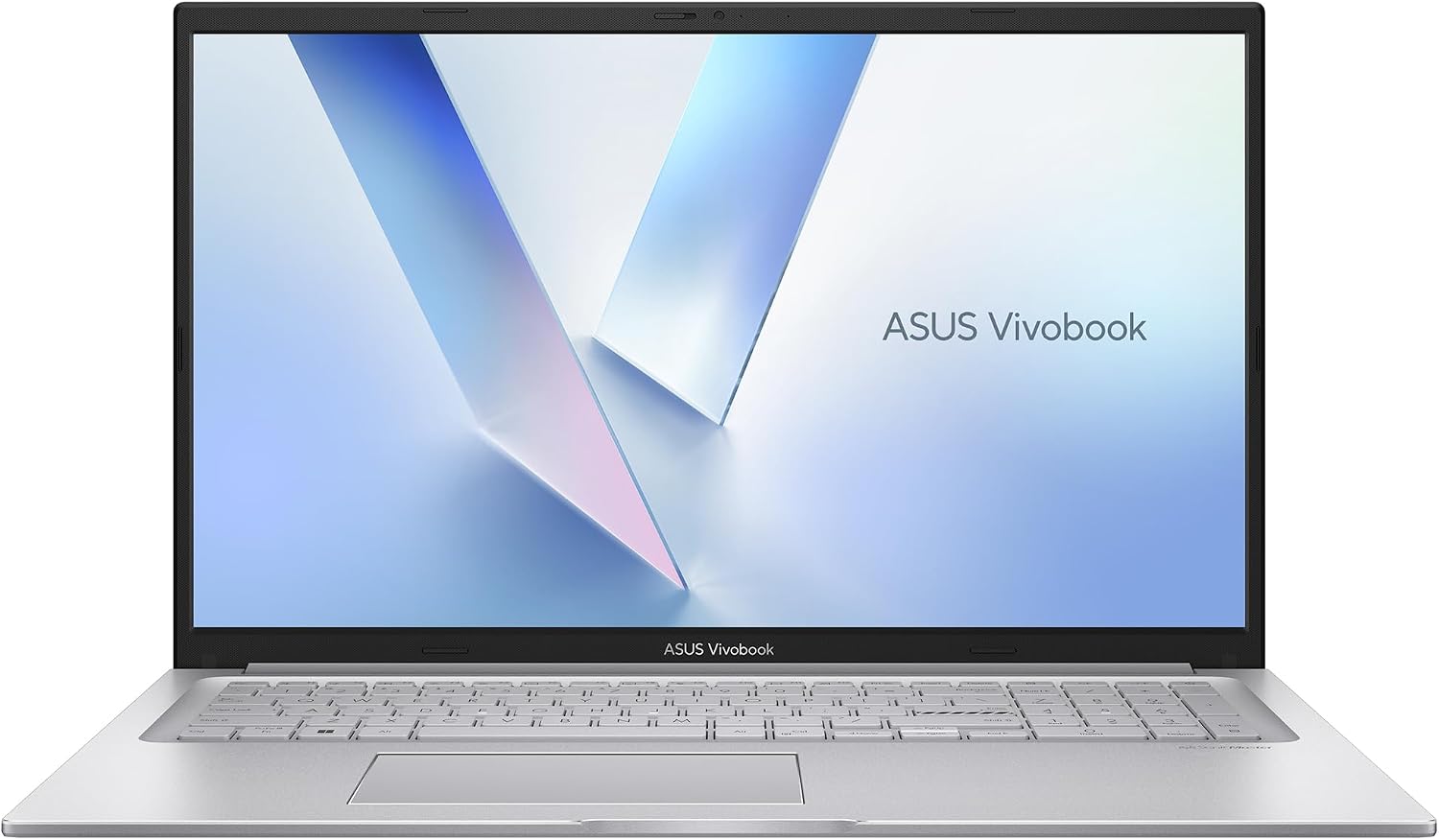
The ASUS Vivobook 17 gives developers a spacious 17.3″ display — room for more code, a terminal, and documentation side by side — which can genuinely improve productivity for multi-window workflows.
It’s larger and heavier than compact laptops and has fewer owner ratings, but if screen real estate matters most for your coding, it’s a comfortable, affordable big-screen option.
Best for: Developers who want maximum screen space
May not fit: Those who prioritise portability
How to Choose a Budget Laptop for Programming
CPU cores speed up compiling
Compiling and running multiple tools benefit from more CPU cores. The six-core Lenovo V15 and the fast Apple M5 and A18 Pro chips handle this well. A stronger CPU means less waiting on builds, which adds up over a workday.
RAM: 8GB minimum, 16GB ideal
8GB runs most web and scripting workflows; 16GB is far more comfortable for IDEs, containers, virtual machines, and many browser tabs. Where possible, choose or upgrade to 16GB — it’s the upgrade developers notice most.
Keyboard and screen for long sessions
You’ll type for hours, so a comfortable keyboard matters — the HP ZBook’s workstation keyboard is a highlight. A larger or higher-resolution screen (like the Vivobook 17) lets you see more code, a terminal, and docs at once.
macOS, Linux, or Windows?
macOS (MacBook Air/Neo) and Linux give a Unix environment favoured for web and backend work. Windows is the most versatile and supports Linux tooling via WSL. Pick the ecosystem that matches your stack and team.
When you need a GPU
Most programming doesn’t need a discrete GPU. If you do machine learning or CUDA development, you’ll want one — in that case, look at our gaming laptops, which pair strong CPUs with NVIDIA RTX graphics.
Frequently Asked Questions
What is the best budget laptop for programming in 2027?
The MacBook Air M5 is our overall pick — fast compiling, all-day battery, and a developer-friendly Unix environment. The Lenovo V15 (Ryzen 5) is the best value with six cores, and the Lenovo Essential is the cheapest entry for learning to code.
How much RAM do I need for programming?
8GB is the practical minimum for web and scripting work, but 16GB is ideal once you run IDEs, containers, or virtual machines alongside many browser tabs. If a laptop allows it, upgrading to 16GB is the single best improvement for development.
Is a MacBook good for programming?
Yes — the Unix-based macOS is popular for web, backend, and app development, and Apple’s chips compile quickly with excellent battery life. The MacBook Air M5 and MacBook Neo are both strong choices if you prefer the Mac ecosystem.
Do I need a discrete GPU for coding?
Usually not. Most programming is CPU- and RAM-bound. A discrete GPU matters only for machine learning, CUDA development, or GPU-accelerated work — for that, a gaming laptop with an NVIDIA RTX GPU is a better fit.
Can I learn to code on a cheap laptop?
Absolutely. The Lenovo Essential around $430, with 8GB of DDR5 and an FHD screen, is plenty for learning web development, Python, and more. You can always upgrade later as your projects grow more demanding.
Final Verdict
For programming, prioritise CPU cores, RAM, and a good keyboard over graphics. The MacBook Air M5 is the best all-rounder with speed and battery life, the Lenovo V15 (Ryzen 5) is the value champion, and the Lenovo Essential is the cheapest way to start coding. Aim for 16GB of RAM where you can — it’s the upgrade you’ll feel most. For ML or CUDA work, see our gaming laptops with discrete GPUs.
No reviews yet. Be the first to share your experience!