
PCGearPicks — Smarter Gear for Every Build
Honest keyboard, component and peripheral reviews, buying guides by budget, and practical tips for faster, quieter, better-feeling setups in 2026.
Compared side by side
Specs, switch feel and real owner feedback lined up so you can actually decide.
Typing & gaming tested
We weigh latency, noise and build — not just marketing bullet points.
Current-gen gear
Latest hot-swap boards, RTX 50-series rigs and AM5 components.
Who it’s for
Every pick says who it suits — and who should skip it.
Top Keyboard Picks
The boards we’d actually buy right now — updated October 2026.
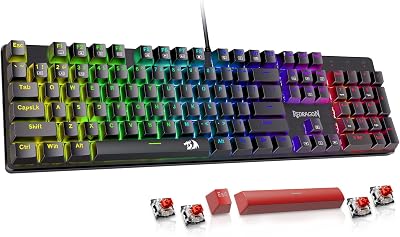
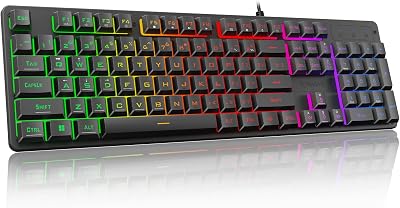
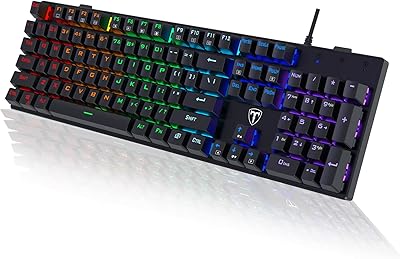
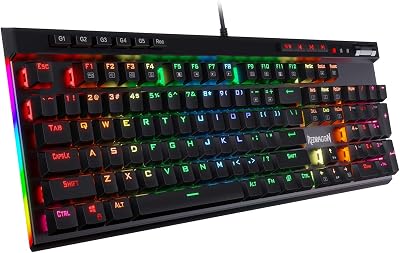
Which keyboard fits your budget?
Price decides most of the experience — pick your tier first, then compare switches, build and sound.
Get More From Your Gear
Practical fixes for feel, sound, latency and longevity.
⚡ Latest Reviews
Fresh opinions on the newest gear


Explore PC Gear Topics
Focused hubs to compare models and learn what the spec sheet really means.
Common PC Gear Questions
How much should I spend on a mechanical keyboard?
Around $75–$200 buys a gasket-mounted, hot-swap board with good sound and wireless. Below $75 you still get solid typing; above $300 you mostly pay for aluminium builds, boutique switches and exclusivity.
Are hot-swap keyboards worth it?
Yes — hot-swap sockets let you change switches without soldering, so you can tune feel and sound over time. It’s the single most upgrade-friendly feature at any budget.
What switches are best for gaming vs typing?
Linear switches (and fast-actuation magnetic ones) suit gaming for smooth, quick presses; tactile switches give typing feedback. Silent variants keep noise out of your mic.
Do I need QMK/VIA support?
If you want deep remapping and macros, yes. VIA gives codeless, on-the-fly customization and is common from the mid-range up.