

A 2-in-1 can be a great programming machine if you value flexibility — typing code in laptop mode, then flipping to tablet mode to read documentation, review pull requests, or sketch diagrams. For coding specifically, prioritise a capable multi-core CPU, at least 8GB (ideally 16GB) of RAM, a comfortable keyboard, and full Windows so your dev tools and WSL work.
Since these convertibles use integrated graphics, they suit web, backend, and general development rather than machine learning, which needs a discrete GPU. Below we rank seven 2-in-1 laptops for programming by CPU, memory, keyboard, and display. For more power, see our programming laptop guide and the laptops hub.
Top 3 Best Programming 2-in-1s at a Glance
Best 2-in-1 Laptops for Programming in 2027
| Laptop | Best For | Key Spec | Rating | Price |
|---|---|---|---|---|
| Dell 14 2-in-1 (Ryzen 7 8840HS) | Best Overall for Programming | AMD Ryzen 7 8840HS (8-core) | 4.6★ | Check Price |
| Lenovo Flex 14 2-in-1 | Best Value | 14″ convertible touchscreen | 4.4★ (3856) | Check Price |
| Lenovo Yoga 7 (Ryzen AI, OLED) | Best Display | 14″ OLED touchscreen | 4.5★ (24) | Check Price |
| 16GB / 1TB Convertible | Best RAM & Storage | 16GB DDR5, 1TB PCIe 4.0 SSD | 4.6★ (246) | Check Price |
| ASUS Vivobook Flip 14 AI | Best ASUS | 14″ WUXGA touchscreen | – | Check Price |
| Lenovo Yoga 7i 16″ | Best Big Screen | 16″ touchscreen | – | Check Price |
| HP Elite X360 830 G10 (i5) | Best Business / Portable | 13.3″ convertible, Intel i5 | – | Check Price |
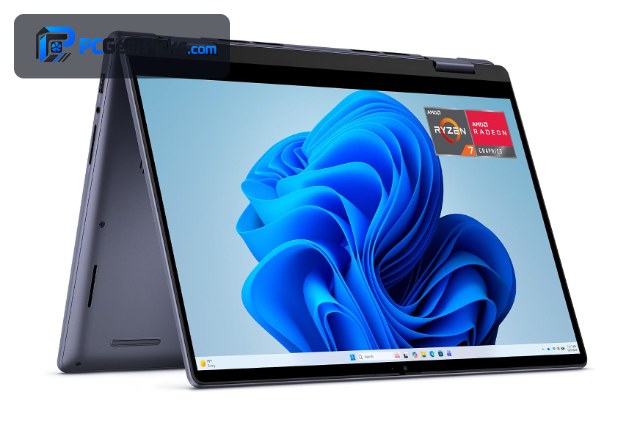
1. Dell 14 2-in-1 (Ryzen 7 8840HS) – Best Overall for Programming

- ✓ Eight cores compile and multitask fast
- ✓ Full Windows with WSL support
- ✓ Tablet mode for reading docs and PRs
- ✗ Newer listing, few reviews
- ✗ Integrated graphics
The Dell 14 2-in-1 is the best convertible for programming thanks to its eight-core Ryzen 7 8840HS, which compiles code and runs containers and IDEs far faster than typical 2-in-1s. Full Windows means WSL and all your dev tools work, while tablet mode is handy for reading documentation and reviewing pull requests around $981.
It’s a newer listing with few reviews yet and uses integrated graphics, but for a flexible developer machine that can actually handle real work, its CPU power makes it the standout.
Best for: Developers who want a fast, flexible Windows convertible
May not fit: ML developers needing a discrete GPU
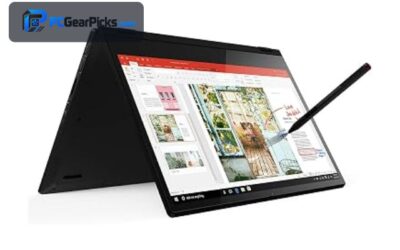
2. Lenovo Flex 14 2-in-1 – Best Value

- ✓ Proven, popular Windows convertible
- ✓ Comfortable keyboard for coding
- ✓ Flexible for reading and presenting
- ✗ Mainstream CPU
- ✗ Integrated graphics
The Lenovo Flex 14 is the value pick for coding on a convertible, with thousands of positive ratings, a comfortable keyboard, and a flexible 360° hinge for switching between typing and reading modes around $719.
Its CPU is mainstream rather than powerful, so heavy compiling will be slower, but for web development, scripting, and learning on a dependable Windows 2-in-1, it’s excellent value.
Best for: Developers wanting an affordable, proven convertible
May not fit: Those compiling large projects who need more CPU
3. Lenovo Yoga 7 (Ryzen AI, OLED) – Best Display

- ✓ Crisp OLED is easy on the eyes for code
- ✓ Efficient Ryzen AI chip
- ✓ Premium convertible build
- ✗ Near the top of budget
- ✗ Integrated graphics
For developers who stare at code all day, the Lenovo Yoga 7’s 14″ OLED touchscreen is a real benefit — crisp text and deep contrast reduce eye strain — and the efficient Ryzen AI chip keeps everyday dev work snappy around $940.
It’s a premium-priced convertible with integrated graphics, but for coders who value a beautiful, easy-to-read display in a flexible form, it’s a lovely machine.
Best for: Developers who want a premium OLED convertible
May not fit: Budget-focused buyers or those needing a GPU
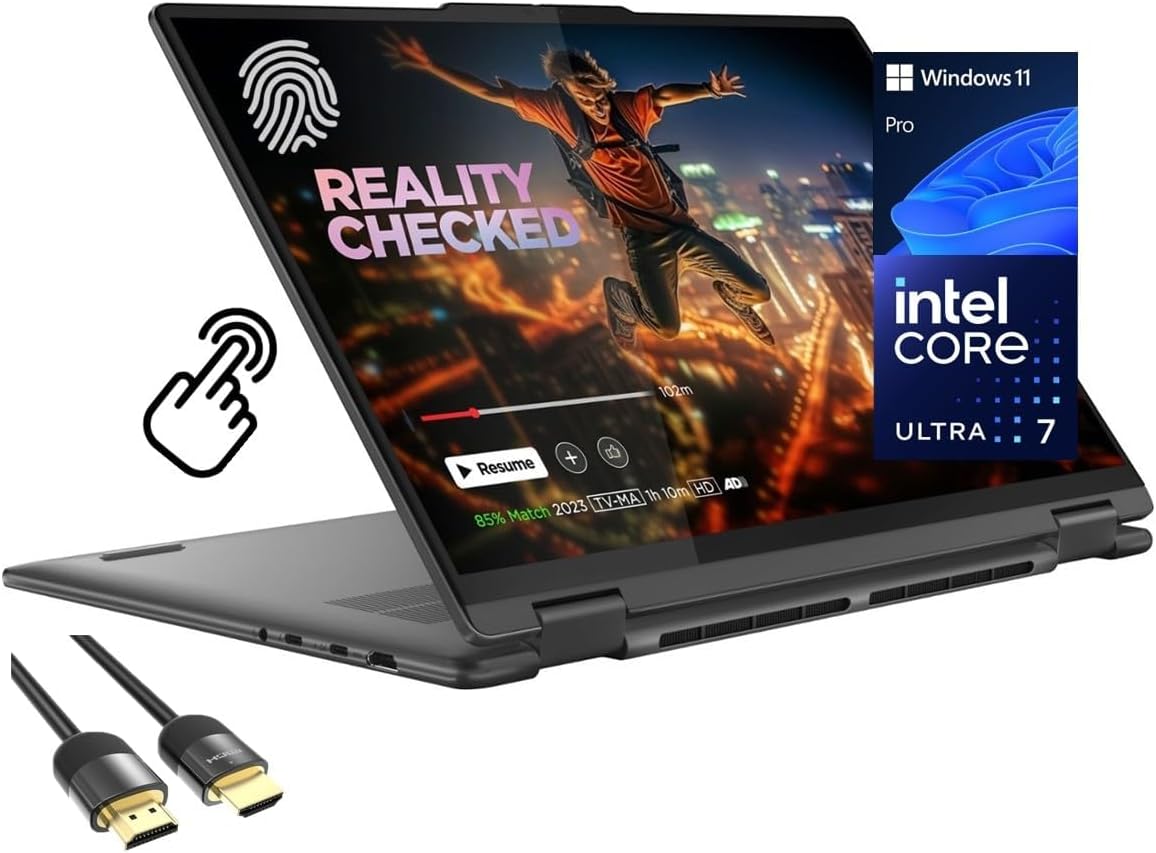
4. 16GB / 1TB Convertible – Best RAM & Storage
- ✓ 16GB RAM runs IDEs and containers
- ✓ 1TB SSD for repos and tools
- ✓ Smooth multitasking
- ✗ Integrated graphics
- ✗ Less-established brand
Programming loves RAM, and this convertible delivers 16GB of DDR5 plus a fast 1TB SSD around $1,003 — enough to run IDEs, containers, and many browser tabs smoothly, with room for repositories and tools.
It uses integrated graphics and comes from a less-established brand, but for a flexible machine with the memory and storage developers actually need, it’s strong value.
Best for: Developers wanting generous RAM and storage
May not fit: Those preferring a major brand or needing a GPU
5. ASUS Vivobook Flip 14 AI – Best ASUS

- ✓ Modern AI PC features
- ✓ Flexible WUXGA touchscreen
- ✓ Compact and portable
- ✗ Newer listing, few reviews
- ✗ Integrated graphics
The ASUS Vivobook Flip 14 is a modern AI PC convertible with a WUXGA touchscreen, giving developers a portable, flexible machine with current on-device AI features around $1,029. It’s a tidy option for coding on the move.
It’s a newer listing with limited reviews and relies on integrated graphics, but for an ASUS convertible with a nice display and AI features, it’s worth considering.
Best for: Developers wanting a portable ASUS AI convertible
May not fit: Those wanting established reviews or a discrete GPU
6. Lenovo Yoga 7i 16″ – Best Big Screen

- ✓ Large 16″ screen for more code
- ✓ Flexible 360° hinge
- ✓ Roomy for multi-window work
- ✗ Larger and heavier
- ✗ Newer listing, few reviews
The Lenovo Yoga 7i gives developers a spacious 16″ touchscreen — room for code, a terminal, and documentation side by side — in a flexible convertible form around $999. More screen real estate can genuinely boost coding productivity.
It’s larger and heavier than 14″ models and is a newer listing with few reviews, but if screen space matters most for your workflow, the big-screen Yoga 7i is a strong convertible choice.
Best for: Developers who want maximum screen space in a convertible
May not fit: Those prioritising portability
7. HP Elite X360 830 G10 (i5) – Best Business / Portable

- ✓ Durable business-grade build
- ✓ Compact 13.3″ portability
- ✓ Great keyboard for coding
- ✗ Newer listing, few reviews
- ✗ Integrated graphics
The HP Elite X360 830 G10 is a business-class convertible with a durable build and an excellent keyboard, ideal for developers who want a premium, portable 13.3″ machine for coding and meetings around $565.
It’s a newer listing with few reviews and uses integrated graphics, but for a compact, well-built business convertible with a great typing experience, it’s a smart pick.
Best for: Developers wanting a durable, portable business convertible
May not fit: Those needing a large screen or a GPU
How to Choose a 2-in-1 Laptop for Programming
CPU and RAM for coding
More cores speed up compiling — the Dell 14’s eight-core Ryzen 7 leads here — and 16GB of RAM (as on the 16GB/1TB pick) keeps IDEs, containers, and tabs smooth. 8GB is the minimum for lighter web and scripting work.
Why tablet mode helps developers
Flipping to tablet mode is genuinely useful for coding: read long documentation, review diffs and PRs, or sketch architecture with a stylus without a keyboard in the way. It’s the main reason to choose a convertible over a standard programming laptop.
Keyboard and display quality
You type for hours, so a comfortable keyboard matters — the HP Elite X360 and Lenovo models are strong here. A crisp display (the Yoga 7’s OLED, or a large 16″ panel) reduces eye strain and lets you see more code at once.
Windows for dev tools
All the picks here run full Windows, so your IDEs, terminals, and WSL-based Linux tooling work normally. Avoid ChromeOS convertibles for serious development unless your workflow is entirely web-based or uses the Linux container.
When you need more than a 2-in-1
For machine learning, CUDA work, or heavy compiling, a convertible’s integrated graphics and thermal limits fall short. In that case, a traditional laptop with a discrete GPU and stronger cooling is the better tool.
Frequently Asked Questions
What is the best 2-in-1 laptop for programming in 2027?
The Dell 14 2-in-1 with an eight-core Ryzen 7 8840HS is our overall pick — it compiles and multitasks fast, runs full Windows with WSL, and flips to tablet mode for reading docs around $981. The Lenovo Flex 14 is the best value.
Is a 2-in-1 good for coding?
Yes, if you value flexibility. Laptop mode is great for typing code, while tablet mode is handy for reading documentation, reviewing pull requests, and sketching diagrams. Choose a Windows convertible with a strong CPU and enough RAM for the best experience.
How much RAM do I need for programming on a 2-in-1?
8GB is the minimum for web and scripting work; 16GB (as on the 16GB/1TB pick) is ideal for running IDEs, containers, and many browser tabs. More RAM is the upgrade developers notice most on any machine.
Should I avoid Chromebook 2-in-1s for programming?
For serious development, yes — ChromeOS is limited to web and Android apps, though it does offer a Linux container for some tooling. For full IDEs, WSL, and desktop dev tools, choose a Windows convertible like the Dell 14 or Lenovo Flex.
Can a 2-in-1 handle machine learning?
Not well — convertibles use integrated graphics and have thermal limits, so they’re unsuited to GPU-accelerated ML or CUDA work. For that, choose a traditional laptop with a discrete NVIDIA GPU; a 2-in-1 is better for web and general development.
Final Verdict
For programming on a 2-in-1, the Dell 14 with its eight-core Ryzen 7 is the best all-rounder, the Lenovo Flex 14 is the value pick, and the OLED Lenovo Yoga 7 is easiest on the eyes. Prioritise CPU cores, 16GB of RAM, a good keyboard, and full Windows — and enjoy tablet mode for docs and reviews. For ML or heavy compiling, a traditional laptop with a GPU is better; see our programming laptop guide.
No reviews yet. Be the first to share your experience!