

Flight simulators are among the most binding-hungry games there are — gear, flaps, trim, lights, radios, autopilot, and dozens more controls all want a key. That makes two things valuable: plenty of physical keys (a full-size or 96% layout with a numpad for frequency and code entry), and programmable layers or macros that multiply what each key can do.
A custom keyboard is a great fit because QMK/VIA layers can turn one board into hundreds of bindings, and hot-swap sockets let you fit comfortable switches for long flights. Below we rank seven custom keyboards for flight simulation by key count, programmability, and comfort. See our general custom keyboard guide and the peripherals hub for more.
Top 3 Best Flight Sim Custom Keyboards at a Glance
Best Custom Keyboards for Flight Simulation in 2027
| Keyboard | Best For | Key Spec | Rating | Price |
|---|---|---|---|---|
| EPOMAKER TH99 PRO | Best Overall for Flight Sim | 96% with full numpad | 4.6★ (257) | Check Price |
| Keychron V5 Max | Best Programmable | 96% QMK/VIA | 4.6★ (58) | Check Price |
| Keychron K4 Ultra | Best Full-Featured Wireless | 96% wireless custom | 5★ (12) | Check Price |
| AULA F99 | Best Value | Near-full with knob | 4.5★ (3152) | Check Price |
| Redragon K771 | Best Budget Full-Size | 108-key full-size | 4.4★ (11398) | Check Price |
| VSD K1 Pro Macro Keyboard | Best for Macro Keys | 87-key with macro keys | 4.2★ (140) | Check Price |
| Redragon K768 PRO | Best Gasket Full-ish | 100-key gasket mount | 4.7★ | Check Price |
1. EPOMAKER TH99 PRO – Best Overall for Flight Sim

- ✓ Full numpad for radio/transponder entry
- ✓ Lots of keys for bindings
- ✓ Knob for trim/comms adjustments
- ✗ Larger footprint
- ✗ Software is basic
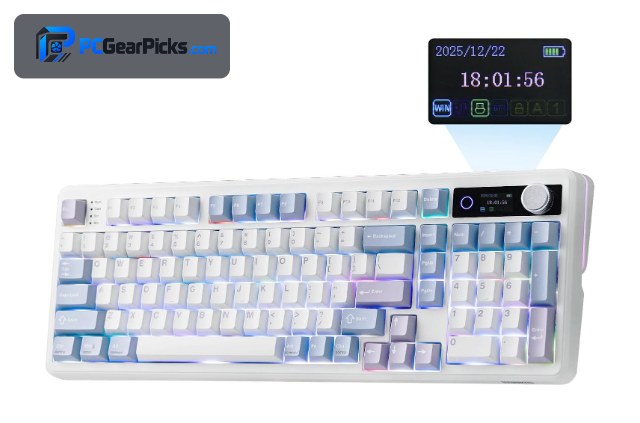
Flight simulators demand a lot of keys, and the EPOMAKER TH99 PRO delivers with a 96% layout that keeps a full numpad — perfect for entering radio frequencies and transponder codes — while staying more compact than a full-size board.
Its rotary knob is handy for trim or comms volume, hot-swap sockets let you fit comfortable switches for long flights, and wireless keeps a busy sim desk tidy. It covers the essentials of a sim keyboard best.
Best for: Sim pilots who need a numpad and plenty of keys
May not fit: Those wanting the absolute maximum key count
2. Keychron V5 Max – Best Programmable
- ✓ QMK/VIA layers vastly expand bindings
- ✓ Macros for complex procedures
- ✓ Numpad plus premium feel
- ✗ 96% is larger
- ✗ Pricier than budget boards
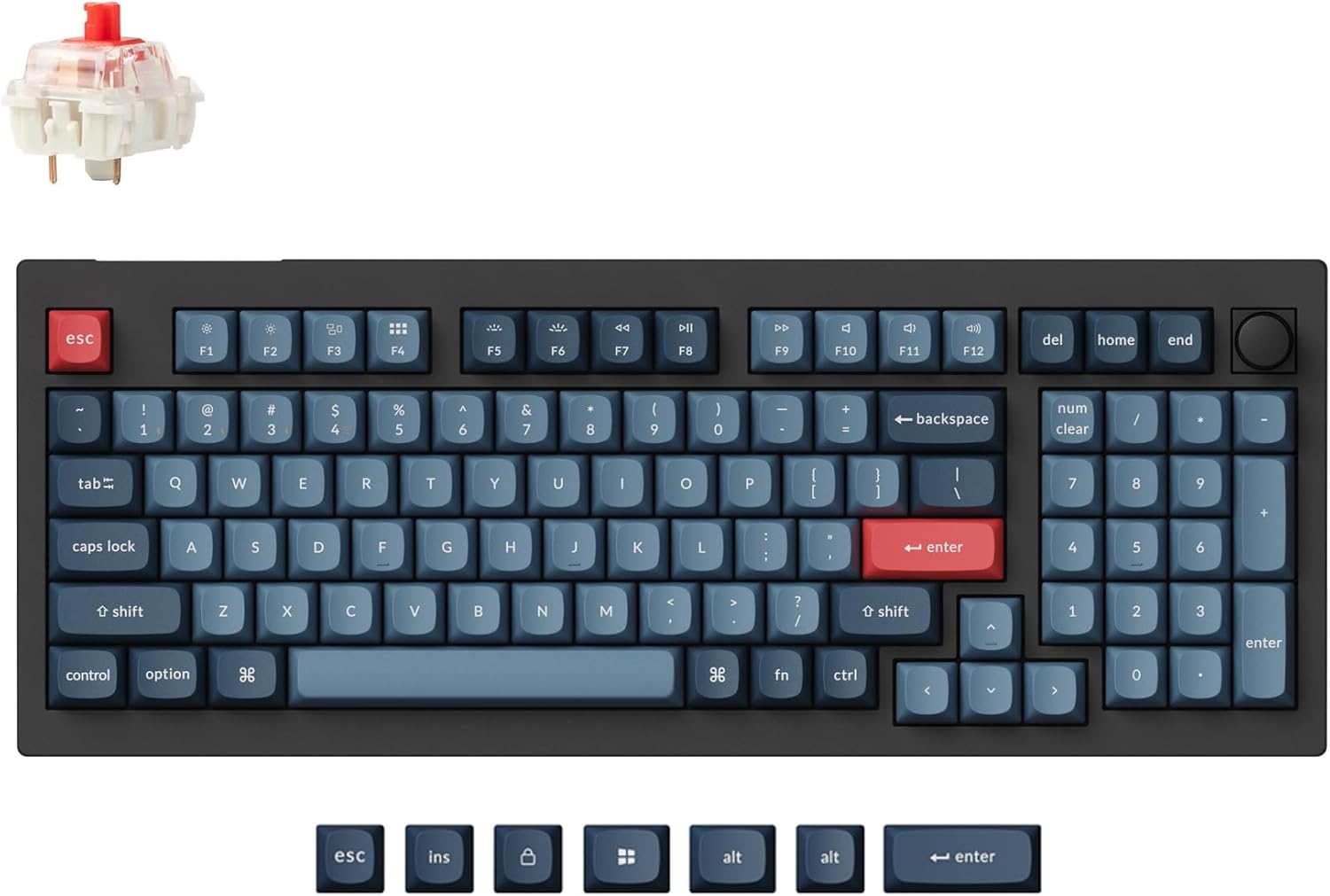
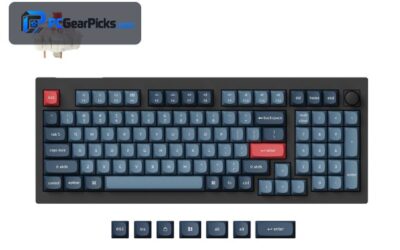
Flight sims can need hundreds of bindings, and the Keychron V5 Max answers that with QMK/VIA layers — effectively multiplying your keys by letting one physical key do different things on different layers. You can also build macros for multi-step cockpit procedures.
With a numpad, a premium gasket-mounted feel, and wireless, it’s a superb sim board for anyone willing to spend time mapping. For serious simmers, the programmability is transformative.
Best for: Simmers who want to map hundreds of bindings via layers
May not fit: Those who prefer plug-and-play simplicity
3. Keychron K4 Ultra – Best Full-Featured Wireless

- ✓ Numpad plus full programmability
- ✓ Refined build for long sessions
- ✓ Wireless convenience
- ✗ Most expensive here
- ✗ Newer, fewer reviews
The Keychron K4 Ultra pairs a numpad-equipped 96% layout with full QMK/VIA programmability and a premium build, making it a polished choice for simmers who want both plenty of physical keys and deep layer/macro mapping.
At around $115 it’s the priciest option, but its refined feel suits long flights and its programmability handles complex binding setups. A premium do-it-all sim board.
Best for: Simmers wanting a premium programmable board with a numpad
May not fit: Budget-focused pilots
4. AULA F99 – Best Value

- ✓ Lots of keys plus a knob for ~$69
- ✓ Wireless and hot-swap
- ✓ Comfortable for long flights
- ✗ Basic software
- ✗ Average keycaps
The AULA F99 gives simmers a near-full key count plus a control knob for around $69, covering plenty of bindings and offering a handy dial for trim or comms. It’s wireless, hot-swap, and comfortable for long sessions.
The software is simple and keycaps average, but for a high-key-count, affordable, comfortable sim board, it’s outstanding value.
Best for: Budget simmers wanting lots of keys and a knob
May not fit: Those needing deep QMK/VIA layer mapping
5. Redragon K771 – Best Budget Full-Size

- ✓ Full 108-key layout for maximum keys
- ✓ Very affordable
- ✓ Wireless and hot-swap
- ✗ Entry-level software
- ✗ Takes more desk space
The Redragon K771 is the budget way to get the most physical keys, with a full 108-key layout that gives flight simmers the numpad, function row, and navigation cluster all at once — handy when you want direct bindings rather than layers.
It’s wireless and hot-swap at a low price, with entry-level software and a larger footprint, but for pilots who prefer a dedicated key for everything, the full-size layout is exactly right.
Best for: Simmers who want the most direct physical keys cheaply
May not fit: Desks tight on space or wanting premium software
6. VSD K1 Pro Macro Keyboard – Best for Macro Keys
- ✓ Dedicated macro keys for procedures
- ✓ Program complex cockpit actions
- ✓ Compact main layout
- ✗ Wired
- ✗ Niche software
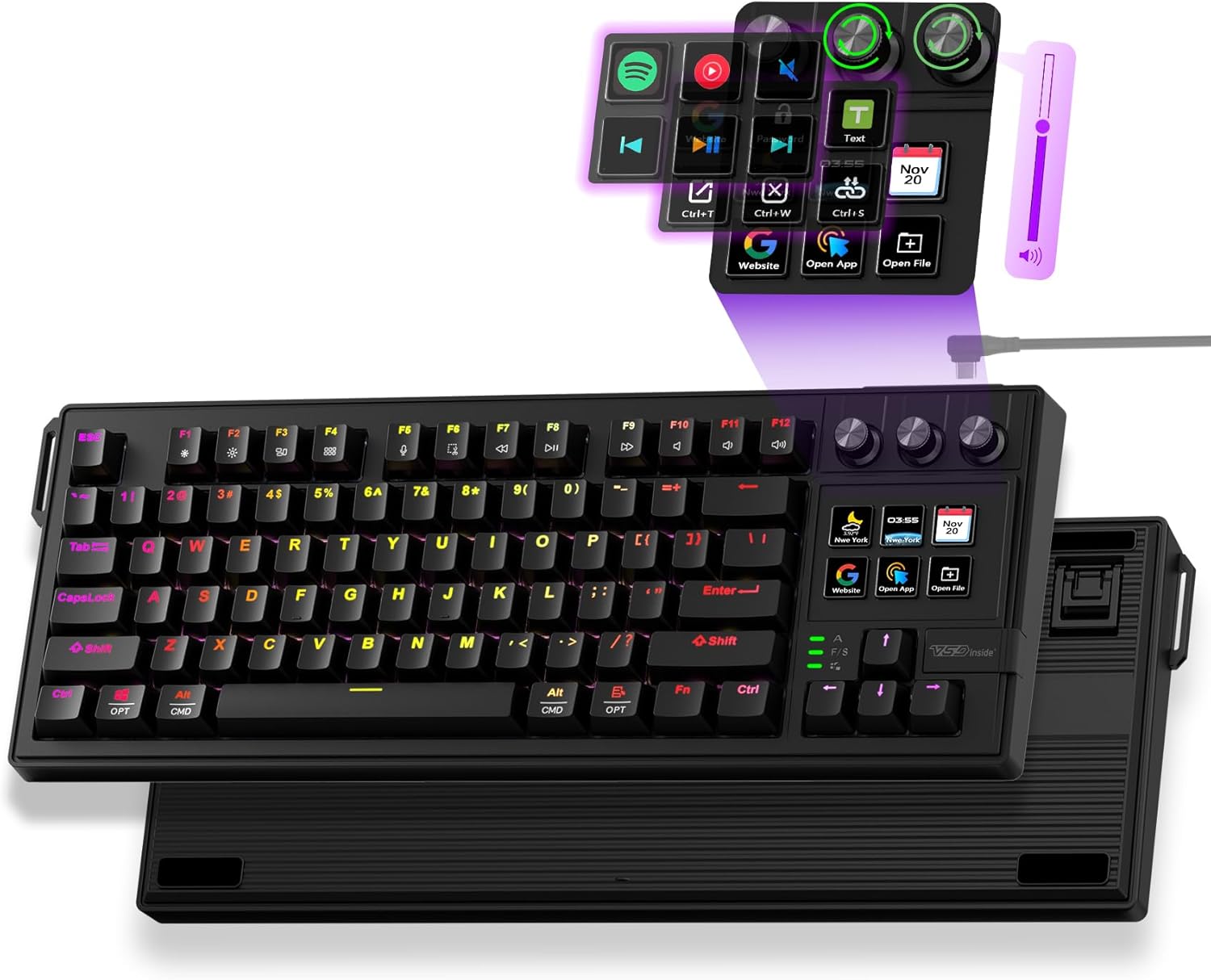
The VSD K1 Pro adds dedicated macro keys you can map to multi-step cockpit procedures — start-up sequences, autopilot setups, or comms routines — triggering them with a single press rather than a chain of keys.
It’s a wired 87-key board with niche software, but for simmers who want one-press macros for repetitive procedures without a separate button box, it’s a practical, focused option.
Best for: Simmers who want one-press macros for procedures
May not fit: Those wanting a numpad or wireless
7. Redragon K768 PRO – Best Gasket Full-ish

- ✓ 100 keys with a gasket feel
- ✓ Wireless and hot-swap
- ✓ Comfortable for long flights
- ✗ Basic software
- ✗ Average keycaps
The Redragon K768 PRO offers a near-full 100-key layout with a gasket mount for a more comfortable feel, plus wireless and hot-swap — a nice balance of key count and typing comfort for long sim sessions.
Software and keycaps are basic, but the combination of plenty of keys, a cushioned gasket feel, and wireless makes it a comfortable, well-equipped mid-budget sim board.
Best for: Simmers wanting lots of keys with a comfortable feel
May not fit: Those needing deep programmability or premium caps
How to Choose a Custom Keyboard for Flight Simulation
More keys, or more layers?
There are two approaches. A full-size or 96% board (Redragon K771, EPOMAKER TH99 PRO) gives you a dedicated physical key for more controls. A programmable board with QMK/VIA layers (Keychron V5 Max) multiplies a smaller key count. Many simmers combine both.
A numpad helps with radios and codes
Entering radio frequencies, transponder codes, and autopilot values is far easier with a numpad, so a 96% or full-size layout is worth prioritising. The EPOMAKER TH99 PRO and Redragon K771 both keep one.
Programmable layers and macros
QMK/VIA layers let one key do different things depending on the active layer, effectively expanding your bindings, while macros can automate multi-step procedures like start-up sequences. The Keychron V5 Max is the standout for this.
Comfort for long flights
Sim sessions can last hours, so comfortable switches and a gasket mount reduce fatigue. Hot-swap sockets let you pick a switch you enjoy, and gasket-mounted boards like the Redragon K768 PRO soften the feel for marathon flights.
Keyboard plus other controls
A keyboard handles the many binary and numeric bindings, but most simmers pair it with a joystick, throttle, or button box for the analog axes. Think of the keyboard as the hub for keyed commands alongside your flight controls.
Frequently Asked Questions
What is the best custom keyboard for flight simulation in 2027?
The EPOMAKER TH99 PRO is our overall pick — a 96% board with a full numpad for radio and code entry, a knob, hot-swap switches, and wireless. The Keychron V5 Max is best for programmable layers that multiply your bindings, and the Redragon K771 is the budget full-size option.
Do I need a full-size keyboard for flight sim?
A numpad is very helpful for entering frequencies and codes, so a full-size or 96% layout is ideal. If you prefer a smaller board, a programmable one with QMK/VIA layers like the Keychron V5 Max can make up for fewer physical keys.
How do programmable layers help in flight sim?
Layers let one physical key perform different actions depending on which layer is active, effectively multiplying your available bindings. Combined with macros for multi-step procedures, a QMK/VIA board like the Keychron V5 Max can handle a sim’s huge control list from a compact board.
Can a keyboard replace a button box for flight sim?
For keyed and numeric commands, largely yes — a high-key-count or programmable board covers a lot. But analog axes like throttle and trim are better on a joystick or throttle quadrant, so most simmers use a keyboard alongside dedicated flight controls.
Are hot-swap switches useful for flight sim?
Yes — sim sessions are long, so comfort matters, and hot-swap sockets let you fit switches you enjoy typing and pressing for hours. A gasket-mounted board like the Redragon K768 PRO further softens the feel for marathon flights.
Final Verdict
For flight simulation, maximise your bindings. The EPOMAKER TH99 PRO is the best all-rounder with its numpad and plenty of keys, the Keychron V5 Max is best for programmable layers that multiply bindings, and the Redragon K771 is the budget full-size pick. Pair your keyboard with a joystick and throttle for the analog axes, and use hot-swap switches for comfort on long flights. See our custom keyboard guide for more.
No reviews yet. Be the first to share your experience!